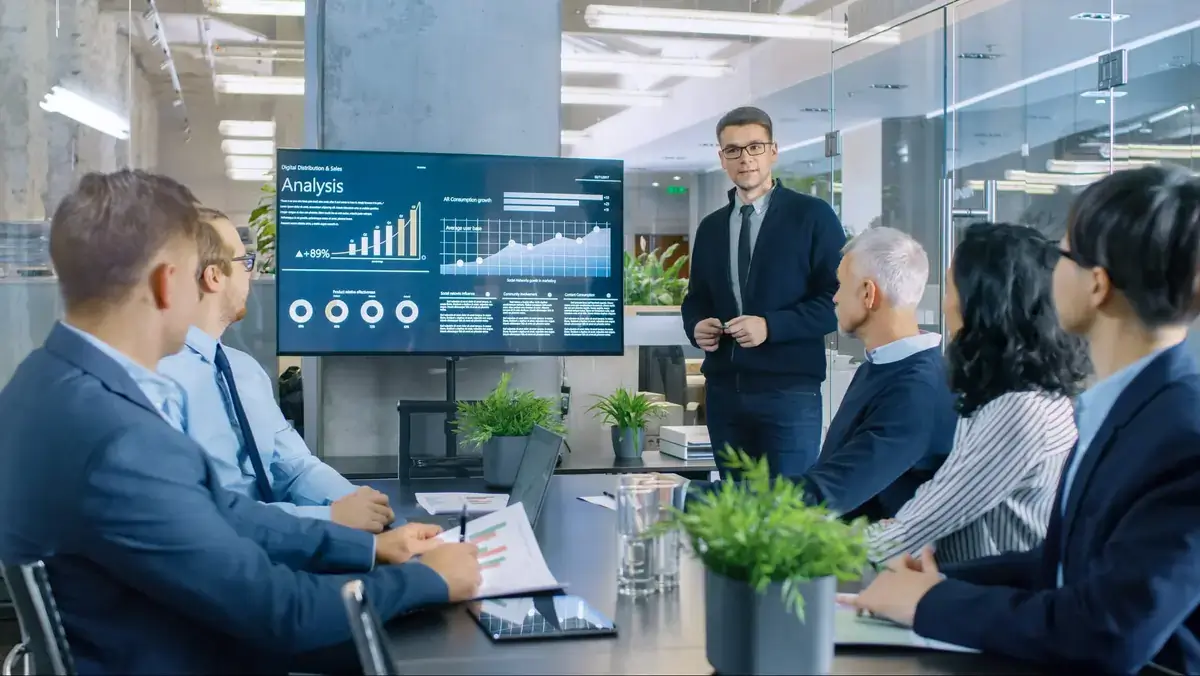
Searching for previously used assets, tracking who manages content updates, and scheduling layout refreshes are all things digital signage teams are familiar with. But executing on these responsibilities can be a challenging task if you aren’t using all the tools available through your signage platform. That line of thinking is what inspired the REACH team to host a webinar that demonstrates to clients the best ways to work more efficiently within the REACH software.
The “Get More from REACH” webinar walked through tools that make the work easier, while also discussing areas where your screens could do more. If you missed the session, don’t worry. We’ve included an on-demand video where you can review everything that was covered. But if you’d like a little summary, this blog should help you get started!
Player Management Across Locations
Players are the devices that connect your content to your screens. They serve as the backbone of your digital content execution. That’s why when departments move buildings, somebody must sort out each screen’s player assignment. When managing several facilities, those small changes
can add up. This was a crucial pillar to kick off the webinar because you need a clear view of where your equipment is, where you want it to be, and how well it’s performing before you can comfortably manage more of it.
CMS 2.0 brings each player’s facility, layout, status, and last online activity under one, easy-to-understand umbrella. From the Player Management tab, you can request players, replace or delete existing ones, restore previously deleted players, move them between facilities, or export the list of your player network.
When it comes to expansion, taking inventory of your players can help lay the groundwork. Doing so gives you a chance to spot equipment that needs attention and confirms where everything belongs.
Give Related Content a Shared Tag
Think about all the assets and tools that go into a campaign. If you’re looking to reuse assets, or tweak existing ones for new campaigns, it can be difficult to track down the exact image you need. A campaign stretches across your entire signage platform, including the Media Library, playlists, layouts, and schedules. Hence, remembering a file’s name only gets you so far.
Our presenters introduced REACH’s brand-new Tag Manager as a shared way to organize those pieces. Tags can apply to almost anything within the CMS, including Media Library items, playlists, data lists, and layouts. This way, associated resources, their types, and facilities will appear together.
This should streamline the overall search process for teams. An event tag, for instance, can showcase all the assets, playlists, and layouts that were associated with it. From there, teams can create copies of those assets and reformat them to fit into an entirely different event, or simply update them for a repeated event later. This is why naming is important. It streamlines the search process across teams and facilities.
Build Announcements in the Design Editor
While the person in charge of organizing an event may know the details best, they still require the help of a designer to draw attention and make the event shine. However, sometimes design teams can be flooded with requests, which can delay the overall publication.
REACH’s revamped Design Editor gives that organizer somewhere to start. We used a fall event invitation during the webinar to demonstrate how simple creating professional-looking layouts within REACH can be. With a full suite of tools, such text, imagery, templates, uploads, and QR code tools available, bringing your vision to life is a breeze even for less tech-savvy users.
A contributor can adapt a template, include essential information, add basic brand aesthetics, and link viewers to registration or event landing pages. They don’t need to become a designer to prepare something useful.
We covered this because a growing network needs fresh content from more people. Teams often find they have more to share than they realize. Therefore, making the first draft accessible helps get ideas off the ground and keeps work moving at a steady pace.
A Review Process for Department Contributions
Of course, opening content creation to more departments brings questions about who checks the work.
Media Library Approvals gives those drafts a route through submission and review to
publication. Reviewers can approve, reject, or provide feedback before content becomes available across the network.
Our presenters showed how that review step supports wider participation. A department can contribute while someone still checks whether the announcement is ready.
Think about an invitation with a date that’s difficult to read. A quick note asking for larger text gives its creator something clear to work with. Keeping feedback alongside the submission lets the next review continue that exchange. It feels more like finishing an announcement together.
Find New Ways to Put Your Screens to Work
Once the webinar had finished covering the day-to-day management for digital displays, it was time to get creative. Having an organized network makes it easier to experiment with new signage initiatives, consider another audience, or expand to new locations without losing track of what you’re already running.
We encourage you to do the same thing we encouraged our webinar viewers: explore your buildings and consider where you find people. Employees gather in meeting rooms, while visitors pause at entrances. Community events can bring both audiences together while highlighting important information and event sponsors.
Each setting gives you a different reason to use a screen, and your content needs to reflect that. Visitors to a community center will not get much out of seeing internal information meant for an IT team. Let’s go over a few examples that demonstrate the flexible, transformative nature digital signage can have.
Meeting Room Screens Between Meetings
Think about the last time you arrived early for a meeting. There was likely a screen that was just shut off or blank. With digital signage, these screens become another potential touchpoint for your teams. The webinar showcased how these screens can be fitted for digital signage content during downtime using our Teams Room integration. Once a meeting begins, these screens can then automatically switch back to your regular Teams content.
A room-specific playlist might include employee recognition, company news, upcoming deadlines, or safety reminders. Supported Teams broadcasts, including town halls and training sessions, can also stream through selected REACH displays.
This gives organizations another chance to reach employees without having to meet them at another space.
Answer the Questions Visitors Arrive With
Regardless of your organization, people will always come with questions. For a large campus like a hospital, the immediate concern may be finding the check-in desk or figuring out what floor they’re supposed to be on. Meanwhile, hotel residents may need more information on the surrounding area and recommended activities. Anticipating these questions and fitting your displays as a source for answers can provide a better experience for your audience.
This is another area where QR codes can excel at. When displayed through signage, QR codes can connect visitors with forms, apps, and information to keep on their phones. Our webinar highlighted how you can go above and beyond with information for viewers, including parking, room availability, transportation routes, available utilities, and services.
The right message depends on where someone is standing. Directions belong near the entrance, while information about available services may suit a front desk area. That’s the thinking behind these examples: answer questions someone may have.
Consider Promotions That Fit the Audience
Some settings also lend themselves to more light-hearted content, such as birthdays and shoutouts, fundraisers, special offers, or even advertising placements.
A local sponsor alongside community event information has an obvious connection. Paid advertising through programmatic ad integration can help you target specific audiences and behaviors. We included these ideas because screens may leave room for partnerships or revenue generators as well as everyday updates. We wanted the webinar to highlight how screens can work for the organization, while still providing an accessible hub of information for viewers.
Where to Start With Your Network
Sometimes the best place to begin with digital signage is by choosing one thing to focus on. Whether its working with a department looking to integrate some displays, updating old screens to be more useful, or making a current campaign more accessible, these examples give teams an already-built foundation to start from. Once teams are comfortable addressing these concerns, they can apply the principles they learned to future projects!
REACH is here to make that process even easier. If you’re on CMS 1 we recommend migrating over our revamped CMS 2 platform. We’ll connect you with your Customer Success Manager and begin scoping out your next project!
Get In Contact With UsREACH Digital Signage has been an excellent experience for us! The platform is easy to navigate, offers great features, and the training is clear and comprehensive. Their support team is always available and ready to help whenever needed.
– IT Manager, Corporate Communications
Request a Demo with REACH Digital Signage
Our team is ready to deliver easy-to-use digital signage solutions to your business. With dedicated support teams and powerful design tools, anyone from any skill level can design professional-looking designs in minutes!